
How to Measure Carton Dimensions and Weight Before Shipping to Amazon FBA
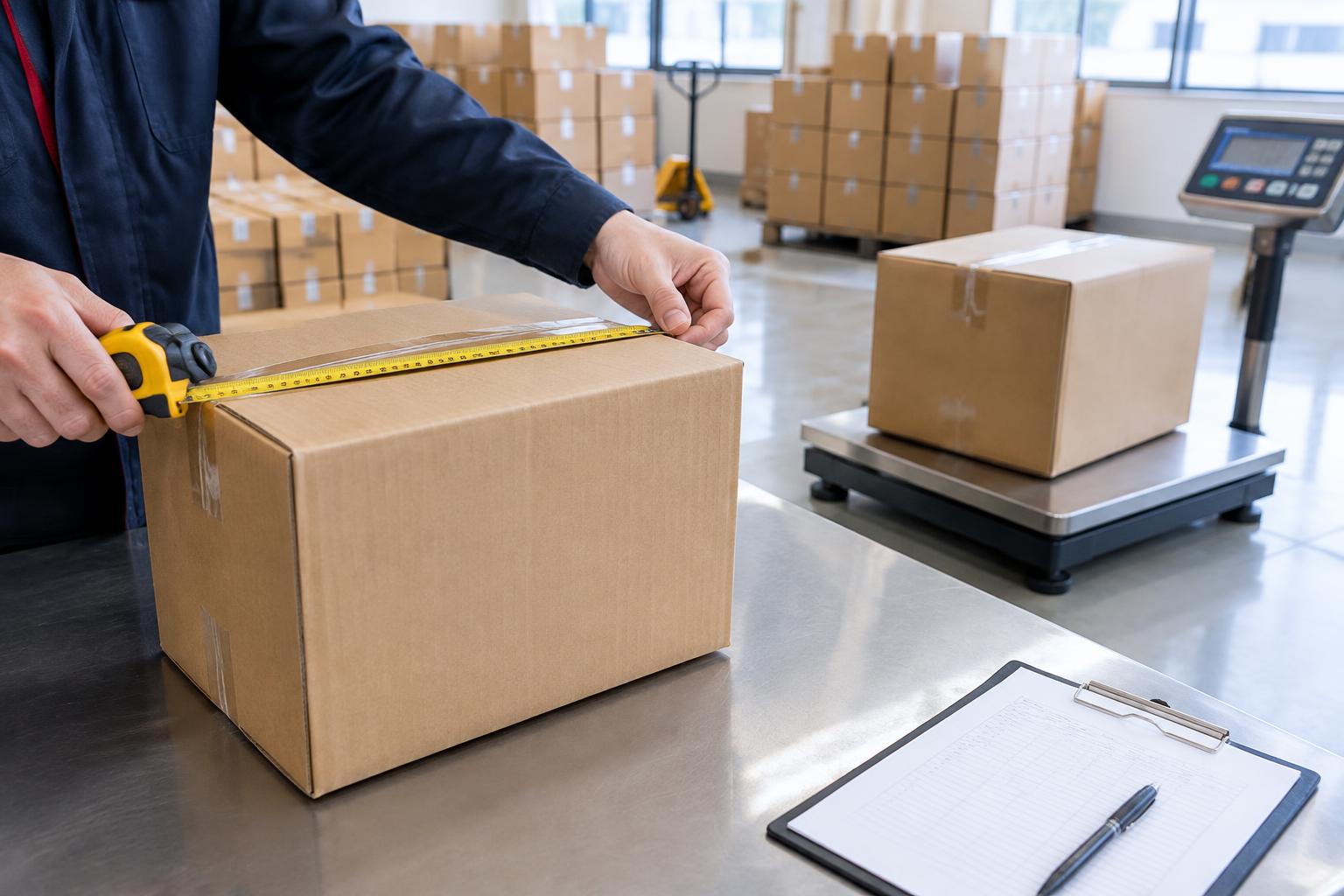
The carton Amazon receives — and the carrier charges for — is the finished, sealed carton, not the product on your spec sheet. Here is what to measure, who checks the numbers, and how to get them right the first time.
Measure the carton that actually travels
Three numbers matter, and they are not the same thing:
- Gross weight — the weight of the carton with everything in it: products, inner packaging and the carton itself.
- Net weight — the weight of the products alone, without any packaging.
- Carton dimensions — the length, width and height of the finished, sealed carton, measured at its widest points, including any bulge.
Where the wrong numbers come from
A common mistake is to copy numbers from a product page or a factory spec sheet. Those describe the product, not the packed carton. Another is to measure an empty carton, or one that is not yet sealed. A carton measured before packing will not match the carton that arrives.
Who checks your numbers
Three different parties use these numbers, and each compares them against what it actually receives:
- Your forwarder uses them to book space and prepare shipping documents.
- The carrier and customs compare the shipment against its documents.
- Amazon checks the delivery against what you declared in Seller Central.
A measuring routine that works
If the declared numbers do not match the actual carton, the shipment can be held for re-measurement, re-weighed or re-documented. That costs time — and sometimes extra handling — even when the goods themselves are fine. A routine that works for most sellers: measure after packing and sealing, taking one finished carton exactly as it will travel.
- Weigh one sealed carton on a scale that can handle its full weight.
- Measure length, width and height at the widest points, and write all three down.
- Weigh and measure a second carton from the same batch.
- If the two differ noticeably, do not assume one is representative — check that the packing is consistent and measure more cartons before you declare.
A worked example: two cartons, two different bills
Carton size drives more than the packing list — it drives what you pay. Take two sealed cartons from the same order:
| Sealed carton | Volume | Gross weight | Ocean LCL bills | Air freight bills |
|---|---|---|---|---|
| Carton A — dense: 60 × 50 × 40 cm | 0.12 CBM | 12 kg | 0.12 CBM (actual volume) | 20 kg (volumetric) |
| Carton B — bulky: 60 × 60 × 60 cm | 0.216 CBM | 10 kg | 0.216 CBM (actual volume) | 36 kg (volumetric) |
The two cartons weigh almost the same, but carton B takes nearly twice the space on the vessel and more than half again as much weight on an aircraft — so it costs noticeably more on both modes. A light but bulky carton is charged on its size, which is why guessing from scale weight alone leads to quote surprises.
Keep the numbers consistent everywhere
The weight and dimensions on your packing list, on the shipment you create in Seller Central, and on the documents your forwarder prepares should all describe the same finished cartons. When one document says one thing and another says something else, the mismatch itself becomes the problem — even if each number looked reasonable on its own.
Get the numbers right, then get the price
In short: pack first, seal it, then measure the real carton. Declare what you measured, not what the spec sheet said. That one habit prevents a surprising number of delays.
Ready to price your cartons? Book China to U.S. FBA shipping and enter them to get an all-in quote before the goods leave the factory.