
Linktrans Shipping Launches Instant FBA Quote Tool for U.S. Amazon Sellers
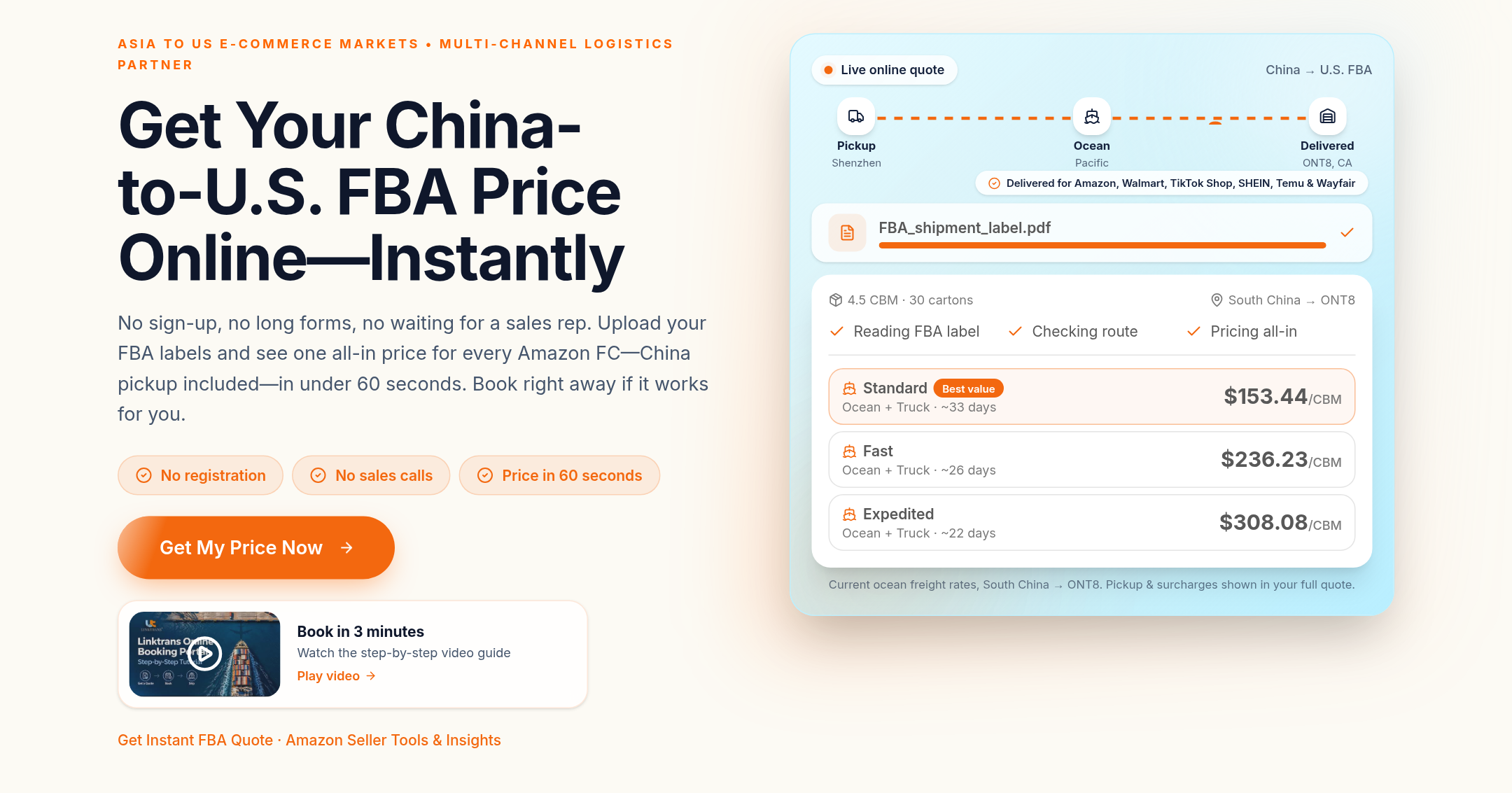
Linktrans Shipping's online booking tool gives U.S. Amazon sellers a practical way to price China-to-FBA shipments before contacting a sales representative. Add one or more fulfillment centers, upload FBA carton labels or enter the shipment yourself, then compare live ocean services and continue to booking in the same five-step flow.
From shipment details to a live quote
The tool is designed around the information sellers already have: destination FC codes, carton quantities, dimensions, gross weights and the factory location. It calculates shipment totals across all destinations and shows the available service options with their estimated transit times and total prices.
You can start without registering. If you choose to submit a booking while signed in, the order will also appear in My Shipments; otherwise, the flow supports guest booking.
Step 1: Shipment
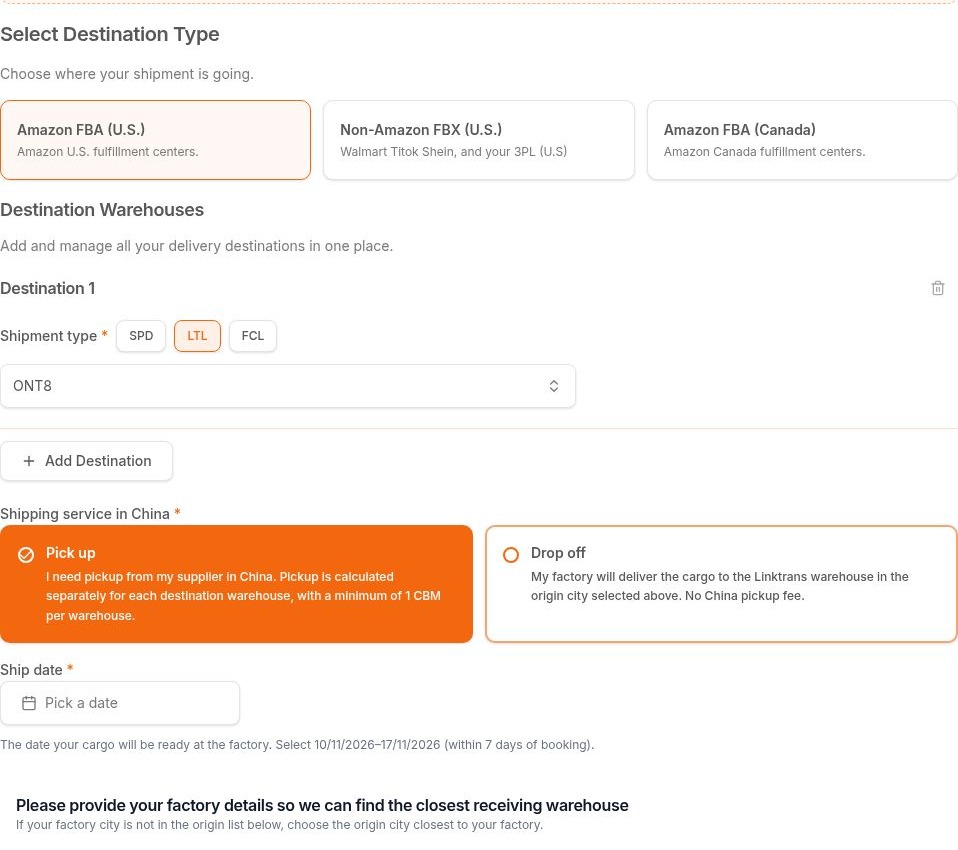
Start a Linktrans booking and select Get My Price Now. Choose Amazon FBA (U.S.), then search for or enter each destination FC code. Select the shipment type and add more destinations when your inventory is split across multiple FCs.
Choose Pick up or Drop off in China, enter the factory city and optional detailed address, and select the cargo-ready date. For U.S. FBA shipments, you can also upload one PDF carton-label file per shipment or destination. The tool reads the FC code, carton count, per-carton weight and box dimensions where available, and every imported value remains editable.
Step 2: Packing
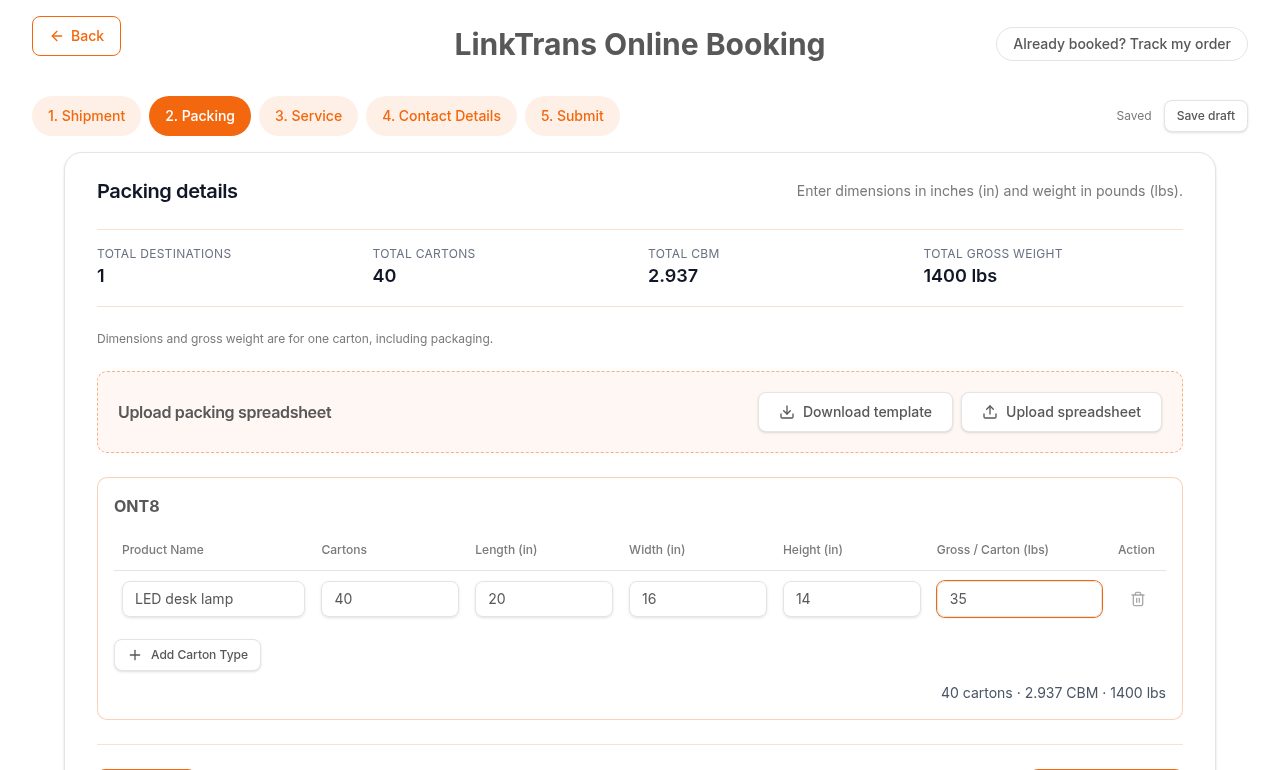
Review each destination and complete the product name, carton quantity, length, width, height and gross weight per carton. Add separate rows for different carton specifications, switch between cm/kg and in/lbs, or upload the packing spreadsheet. Live totals show destinations, cartons, CBM and gross weight before you request rates.
Step 3: Service
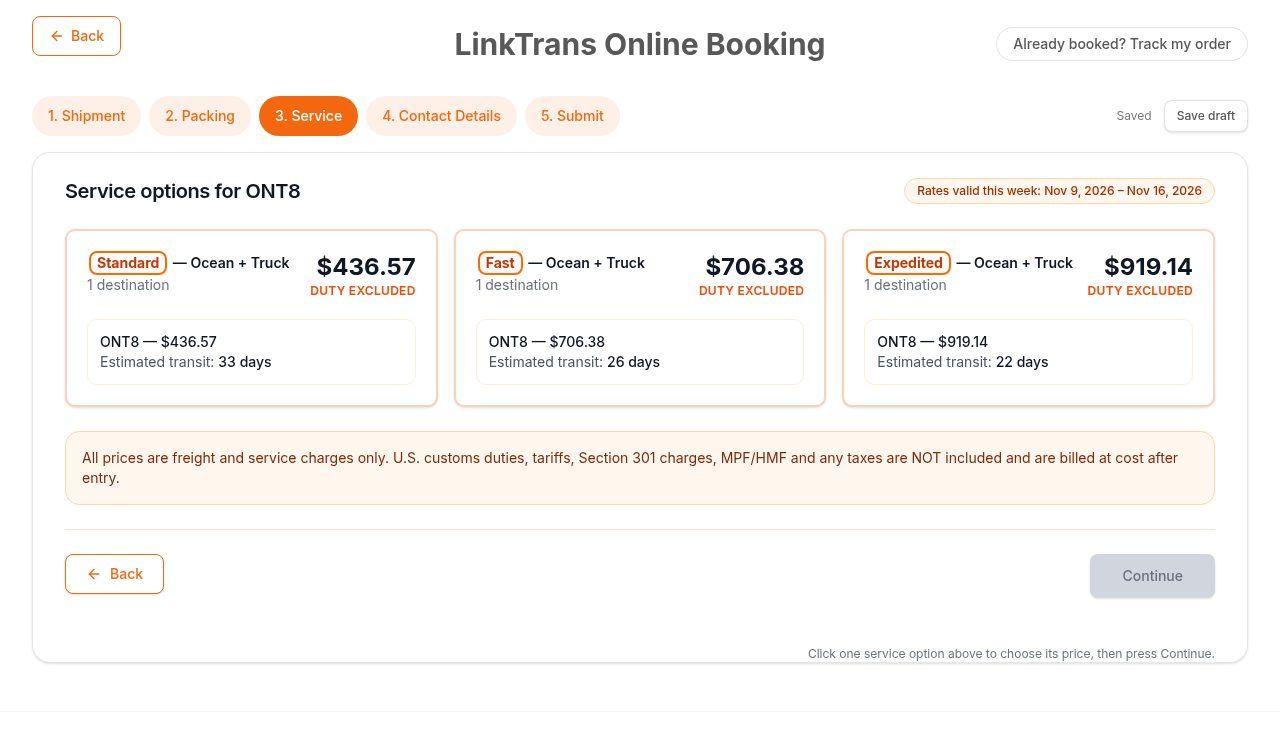
Select Get live rates to retrieve current ocean options for the shipment. Each service card shows the combined total, per-destination amounts and estimated transit times. Where China pickup applies, its charge is shown separately; duties and extra charges are not included in the displayed freight total and are confirmed separately.
Choose the service that fits your shipment, then continue. Rates are shown with their current weekly validity period rather than as an open-ended price guarantee.
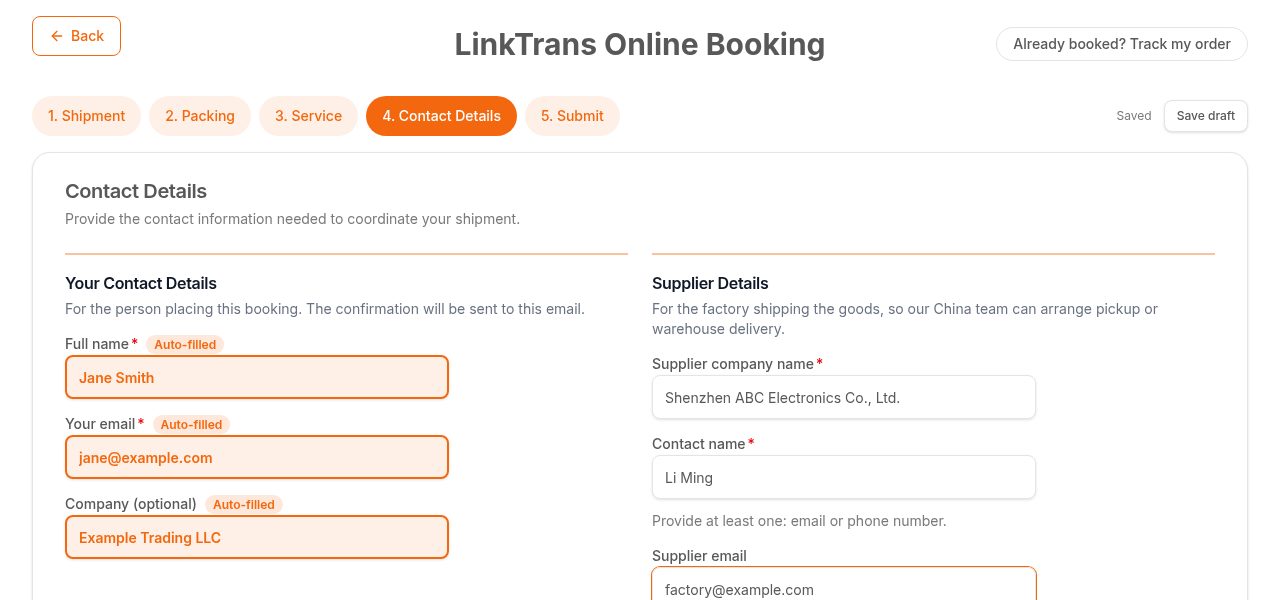
Step 4: Contact Details
Enter the booking contact and supplier details, then select Review booking. The booking contact receives the confirmation, while the supplier details help our China team coordinate pickup or warehouse delivery.
Step 5: Submit
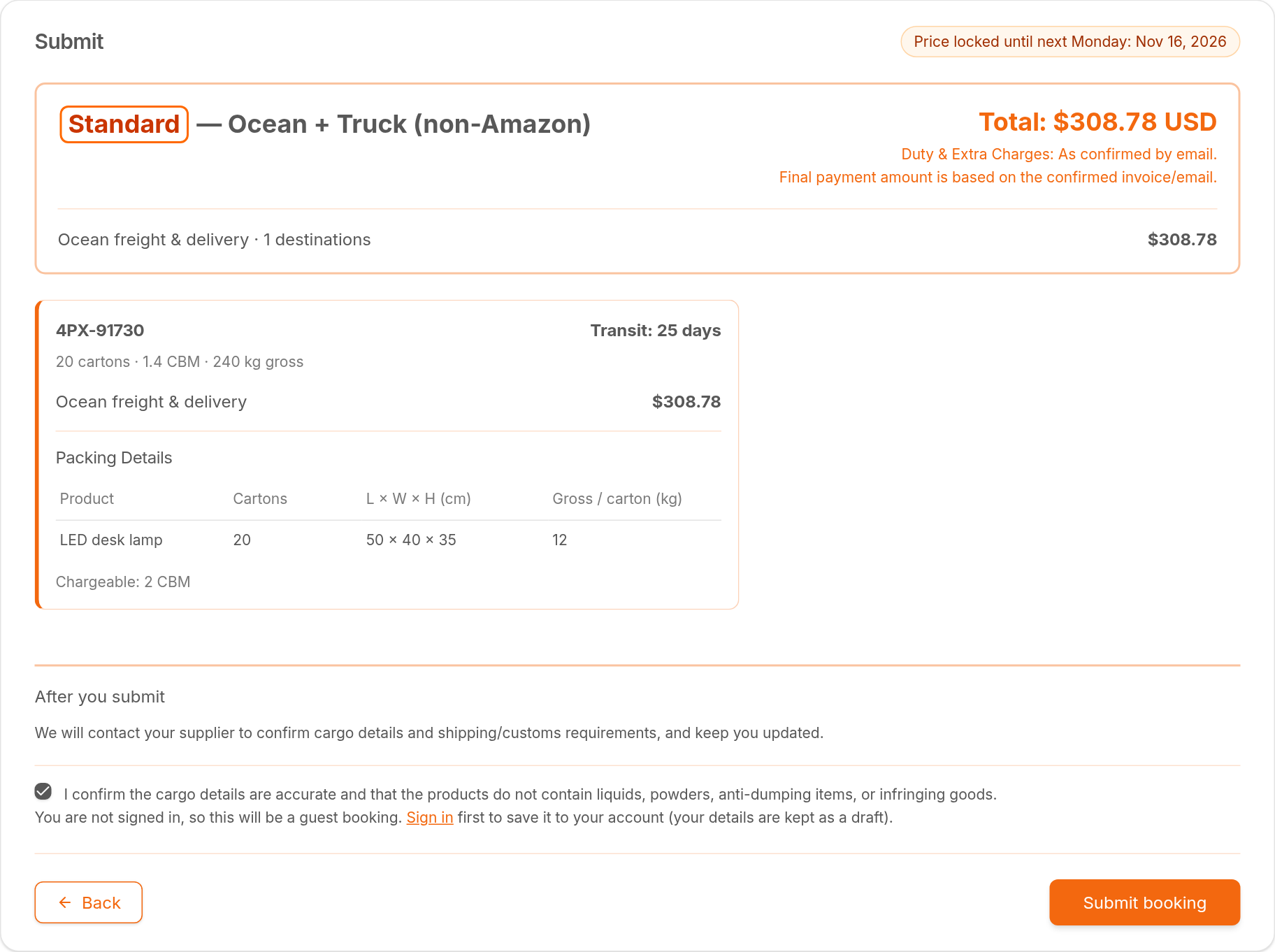
The final review brings together the selected service, total cost breakdown, destination charges, original packing details and any shared China pickup charge so you can check the shipment before proceeding.
For U.S. FBA, Option 1 guides you to create the shipment through Amazon Send in Seller Central using the quote. Option 2 lets you book directly with Linktrans: confirm the cargo declaration and select Submit booking. After submission, our team contacts the supplier to confirm cargo details and shipping or customs requirements.
For Non-Amazon FBX (U.S.) and Amazon FBA (Canada), there is no Amazon Send or Seller Central shipment-creation requirement. These shipments can be booked directly: review the details, confirm the cargo declaration and select Submit booking.
Start with your actual shipment
Book China to U.S. FBA shipping using your real FC destinations and carton specifications to see which services and prices are currently available for your cargo.